Save multiple recipes from one video
Extract each dish with its own ingredients and directions. One video still counts as one extraction.
Francisco MacedoUpdated
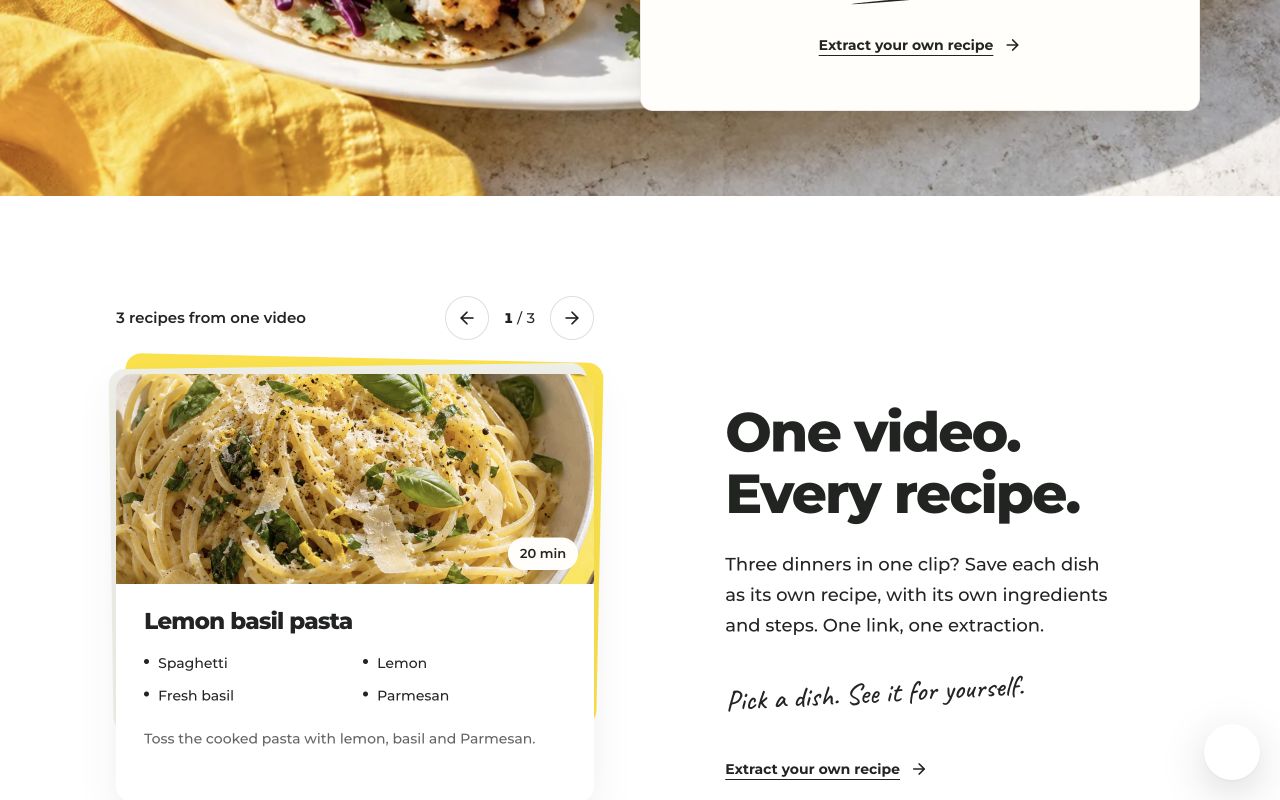
Paste one cooking-video link into Clip Recipe to save each distinct dish as a separate recipe. A video teaching pasta, salad and dessert can produce three recipes, each with its own ingredients and directions.
Extract once, then browse the dishes
- Copy a public video link and start an extraction.
- When it finishes, use the arrows beside the recipe count inside the card to move between dishes.
- Find them together as a deck in My recipes.
You can edit, tag, rate, share or export each dish separately. Multi-recipe extraction is included in the extraction plans and needs no special mode. One video counts as one extraction, regardless of how many recipes it contains.
What gets split?
Independent dishes get separate recipes. Components of one dish, such as lasagna sauce and filling, stay together. A mention of another dish without its ingredients and preparation is not enough to extract it.
Videos can be up to one hour long. Longer videos need useful captions, descriptions or comments. Check the results against the source if a quantity or step is missing.
What about older extractions?
Recipes already in your collection stay unchanged. Submit the original link again to extract additional dishes. Keep any personal edits in your existing copy; the new extraction creates new recipes.