guides

How to Save a Recipe from a YouTube Video (Step by Step)

The fastest way to save a recipe from a YouTube video: copy the video link, paste it into Clip Recipe, and get the full written recipe — ingredients, quantities and step-by-step directions — in about a minute. Works with regular videos and YouTube Shorts.

Francisco Macedo

How to Save a Recipe from a YouTube Video (Step by Step)

The fastest way to save a recipe from a YouTube video is to copy the video's link and paste it into a recipe extractor like Clip Recipe. In about a minute you get the full written recipe — ingredients with quantities, numbered directions, servings and equipment — saved to your own collection, with no pausing, rewinding or typing.

This guide walks through exactly how to do that, and also covers the manual ways to get a recipe out of a YouTube video, so you can pick whichever fits.

Why saving recipes from YouTube is harder than it should be

You found a great cooking video. Now you want to actually cook from it, and your options are all bad:

  • Pause-and-type — scrub back and forth with wet hands, pausing every few seconds to scribble down quantities.
  • The description box — sometimes the creator pastes the recipe there. Often they don't, or it's a link to a blog with fifteen paragraphs before the ingredients.
  • The transcript — YouTube's auto-transcript has the words, but rambling spoken sentences with no quantities attached are not a recipe.
  • "Save to Watch Later" — now you have a playlist of 40 videos and still no ingredient list when you're standing in the supermarket.

How to extract the recipe from a YouTube video, step by step

  1. Copy the video link. On desktop, copy the URL from the address bar. On your phone, tap Share → Copy link under the video. Regular videos and YouTube Shorts both work.
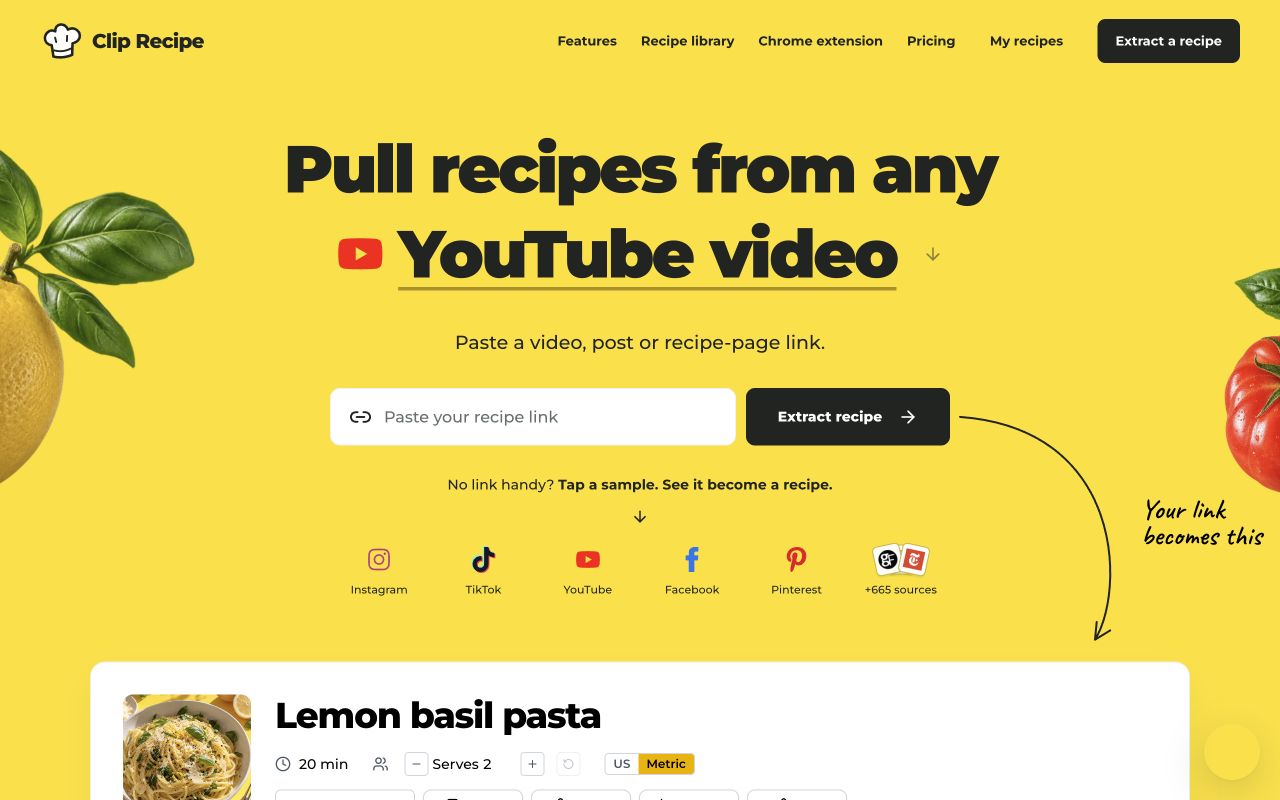
  2. Paste it into Clip Recipe. Go to cliprecipe.com, paste the link into the box, and hit Extract Recipe.
Pasting a YouTube video link into Clip Recipe's extract box
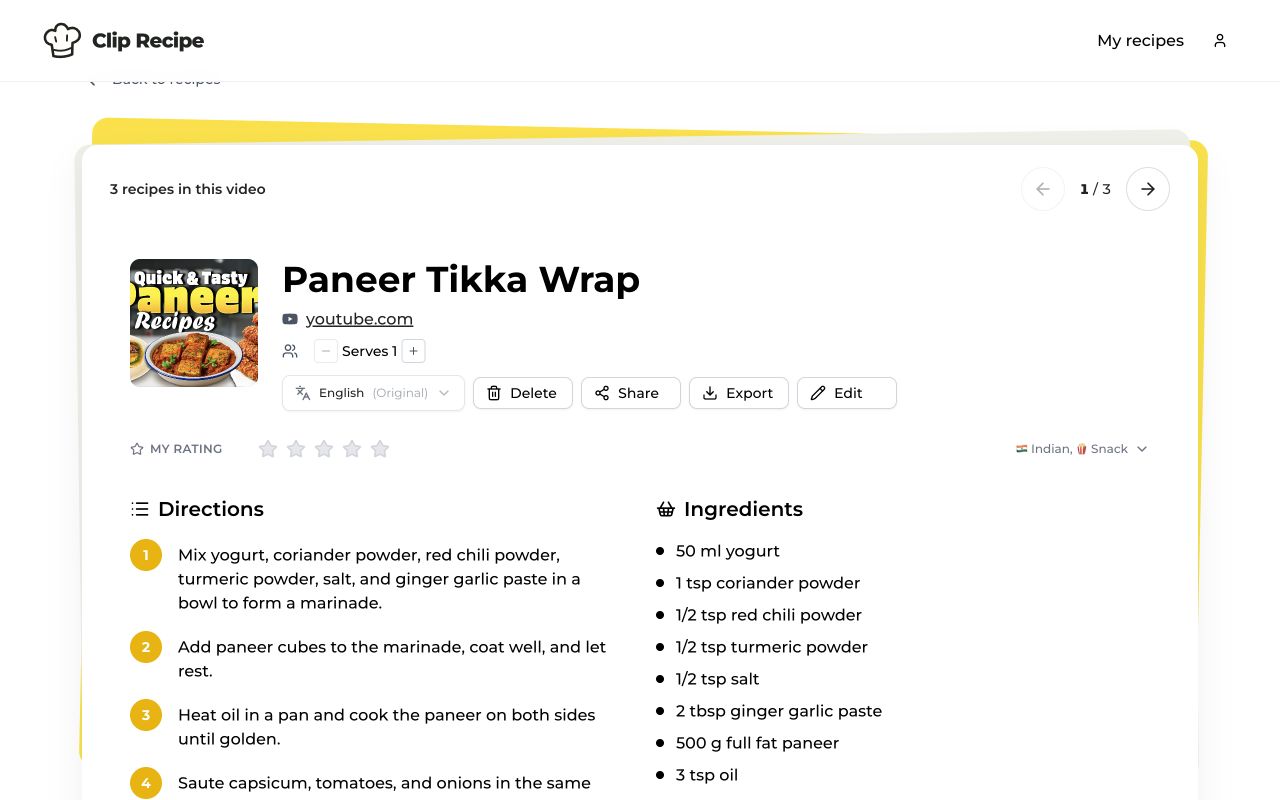
  1. Get the written recipe. The AI watches the video for you — what's said, what's shown, and what's in the description — and turns it into a clean, structured recipe.
The extracted recipe: title, servings, ingredients and directions from a YouTube video

That's a real extraction — a shortbread recipe pulled from a YouTube video (see the live recipe here). Every ingredient has its quantity, the directions are numbered, and the equipment list is included:

Full step-by-step directions and ingredient quantities extracted from the video

What you get with every saved recipe

  • Ingredients with exact quantities — and servings you can scale up or down.
  • Step-by-step directions you can follow at your own pace, no scrubbing.
  • Equipment and tips mentioned in the video.
  • Your own copy — edit anything, translate it into 29 languages, export it to PDF, or keep it in your searchable collection forever, even if the video disappears.

Does it work with YouTube Shorts?

Yes. Shorts are where most viral recipes live now, and a Shorts link works exactly the same way — copy, paste, extract. A few real examples saved from Shorts: High-Protein Creamy Butter Beans, Cheesy Sausage Balls and Tennessee Onions.

Can I do it for free?

Yes — Clip Recipe is free to try: sign up and extract recipes without paying anything or entering a card. If you save a lot of recipes, paid plans add more extractions, translations and exports.

Save your first recipe now

Find a cooking video you love, copy the link, and paste it here to get the recipe. Or start from the other direction and browse recipes other people have already saved.

More platform guides: TikTok to recipe · Instagram to recipe · YouTube to recipe

Happy cooking!