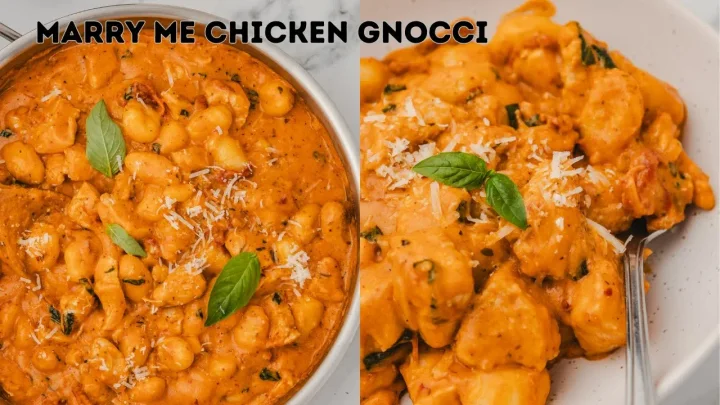
All recipe sources  YouTube
From YouTube.
YouTubeFrom YouTube.
To your table.
Turn a cooking post into ingredients, clear steps and a recipe you can keep.
9,493 recipes already extracted
Less rewinding.
More cooking.
- 01
Copy the link
Find something delicious on YouTube and copy its public link.
- 02
Make it a recipe
Paste it into Clip Recipe to pull out ingredients, quantities and directions.
- 03
Make it yours
Adjust servings, save your favourites, and share or export your recipe.
Real links. Real recipes.
Explore more recipes Already on the menu.
Open the recipe, or compare it with the original on YouTube.


A little more to know.
Which YouTube links work?
Start with a public cooking post containing ingredients or cooking instructions. Clip Recipe has successfully extracted recipes from YouTube. Private, deleted or restricted links may be unavailable, and a successful example does not mean every link will work.
Can I try a recipe before signing up?
Yes. Browse the public recipes or try the interactive samples on our home page.
Can I save, edit and export recipes?
Yes. A Clip Recipe plan lets you extract and save recipes, adjust servings, edit details, share recipes and export them. See plans and pricing for the current options.
Examples verified from completed extractions on 2026-09-24.
Good food travels.
Bring recipes from the rest of your feed, too.
Explore all 670 sources TikTok
 Instagram
 Facebook
 Pinterest
 Snapchat
 Lemon8