Save recipes as you browse with Clip Recipe for Chrome
Save the recipe from the page you’re already on. Our Chrome extension turns cooking videos and recipe pages into ingredients and steps in a side panel, with no copying and pasting.
Francisco Macedo
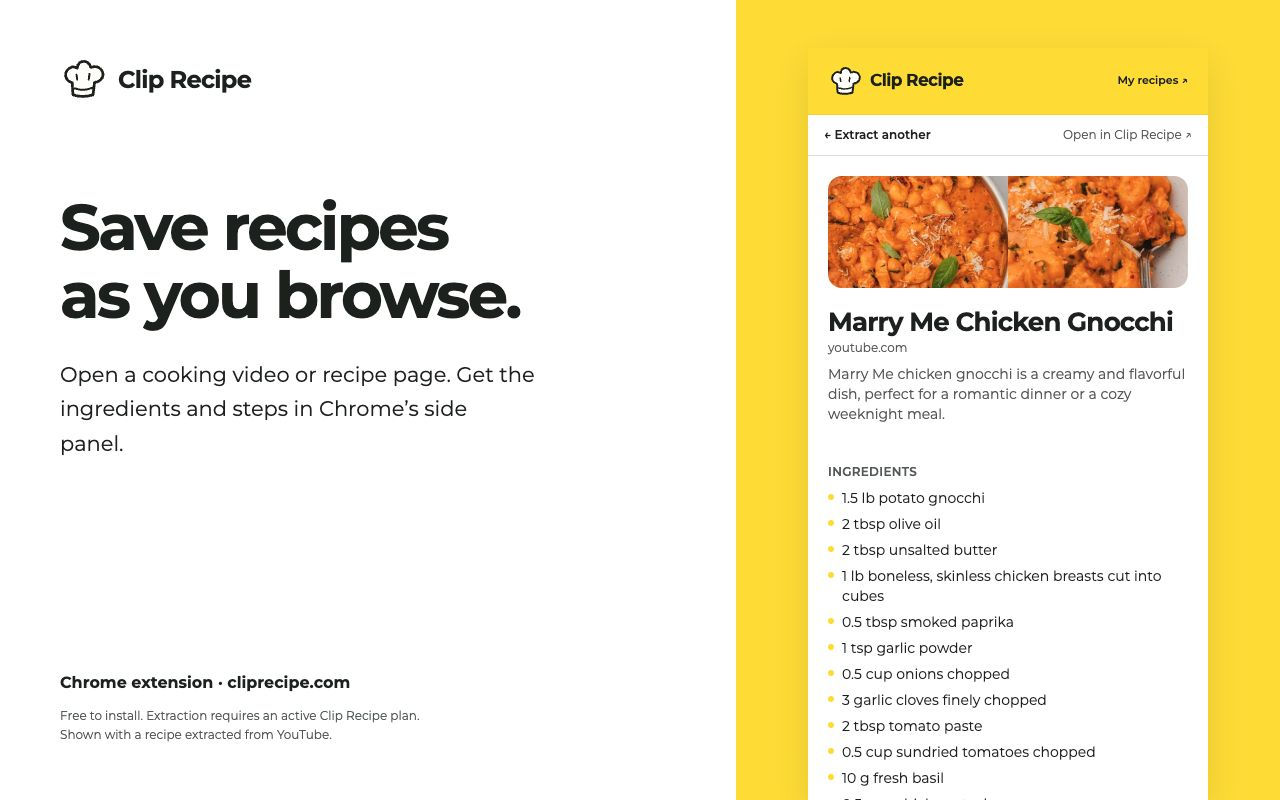
You’re watching someone make dinner. It looks good. You want the recipe, but you don’t want to pause the video, copy a link, and switch tabs.
That’s what Clip Recipe for Chrome is for. Open it beside the page you’re already on, choose Extract recipe, and get the ingredients and directions in a side panel. The recipe is saved to your Clip Recipe account, ready when it’s time to cook.
Ingredients and directions beside the video
The extension works with cooking videos on YouTube, TikTok, Instagram, Facebook, and Pinterest, as well as recipe websites. It shows the ingredients, quantities, directions, and any available timing and serving information beside the source.
We’ve carried the website’s new look into the extension too: the same Clip Recipe mark, sunny yellow header, and quiet recipe cards that put the food first.
How to save your first recipe
- Install the extension. Open the Chrome Web Store listing in desktop Chrome and choose Add to Chrome.
- Pin it. Click Chrome’s puzzle-piece icon and pin Clip Recipe so it’s always within reach.
- Sign in. Use your existing Clip Recipe account. If you’re already signed in on the website, the extension can use that session.
- Open a recipe video or page. Click the Clip Recipe icon, check the current page in the side panel, and choose Extract recipe.
- Cook from the written recipe. Once it’s ready, the ingredients and directions appear in the panel. Open it in Clip Recipe whenever you want the full recipe page.
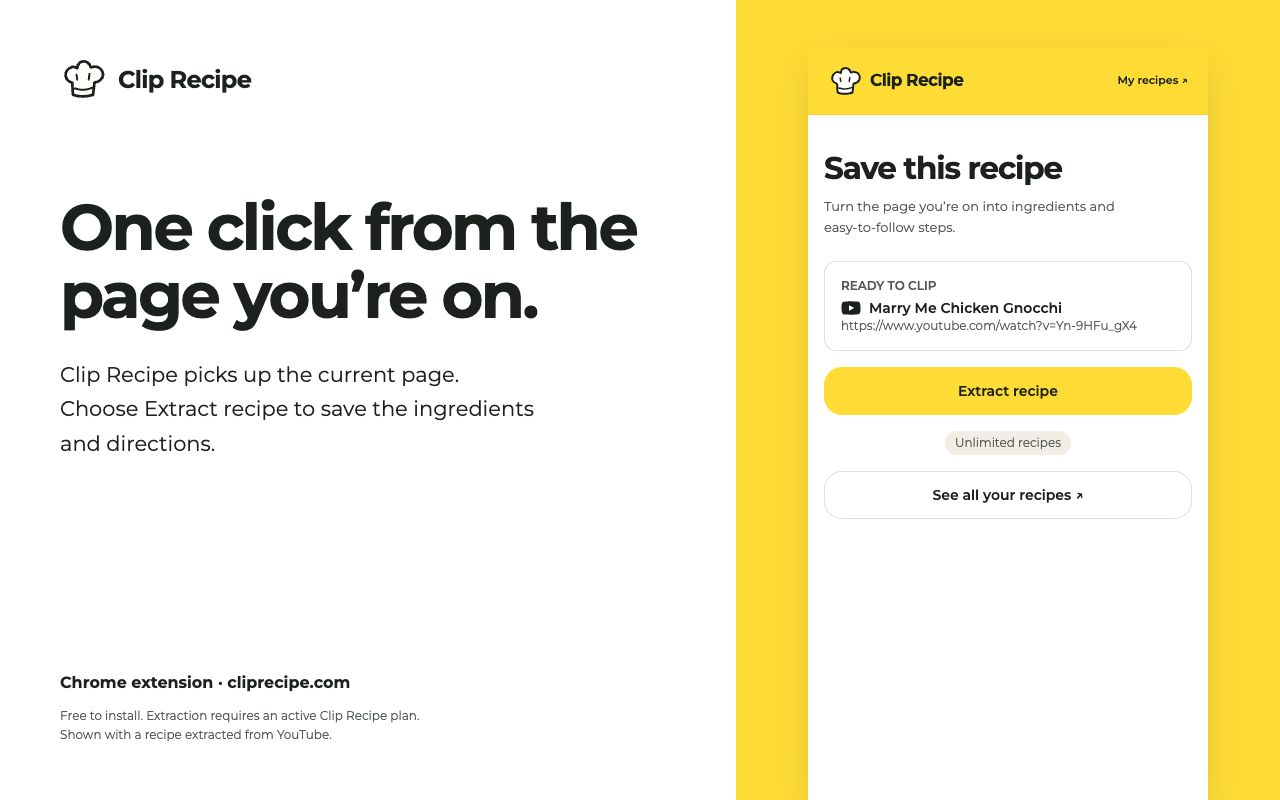
You can keep browsing while it works
Extraction runs on our servers. You can close the panel and carry on browsing; the extension notifies you when the recipe is ready. Reopen the panel to pick up where you left off.
Your recipes, in the same place
There’s no second recipe collection to manage. Everything saves to the same Clip Recipe account you use on the website. Choose My recipes to open your collection, or open an individual recipe on the website to edit, translate, change servings, and export using the features included in your plan.
What you need
The extension is free to install. Extracting recipes requires a Clip Recipe account with an active plan, including an active trial. If you already have a plan, use it in the extension. See current pricing and trial details.
It’s made for Chrome on desktop. On your phone, you can still copy a recipe link and paste it into Clip Recipe.
Only clip what you choose
The panel reads the active tab’s URL and title to identify the page. It sends the URL to Clip Recipe when you ask it to extract a recipe; it doesn’t automatically extract the pages you browse. See our privacy policy for more about data handling.
Next time a recipe catches your eye, keep it. Get Clip Recipe for Chrome.