How to turn a meal-prep video into separate saved recipes
Keep the lunch, dinner and snack from a meal-prep clip in separate recipe cards, then organize them for the week.
Francisco Macedo
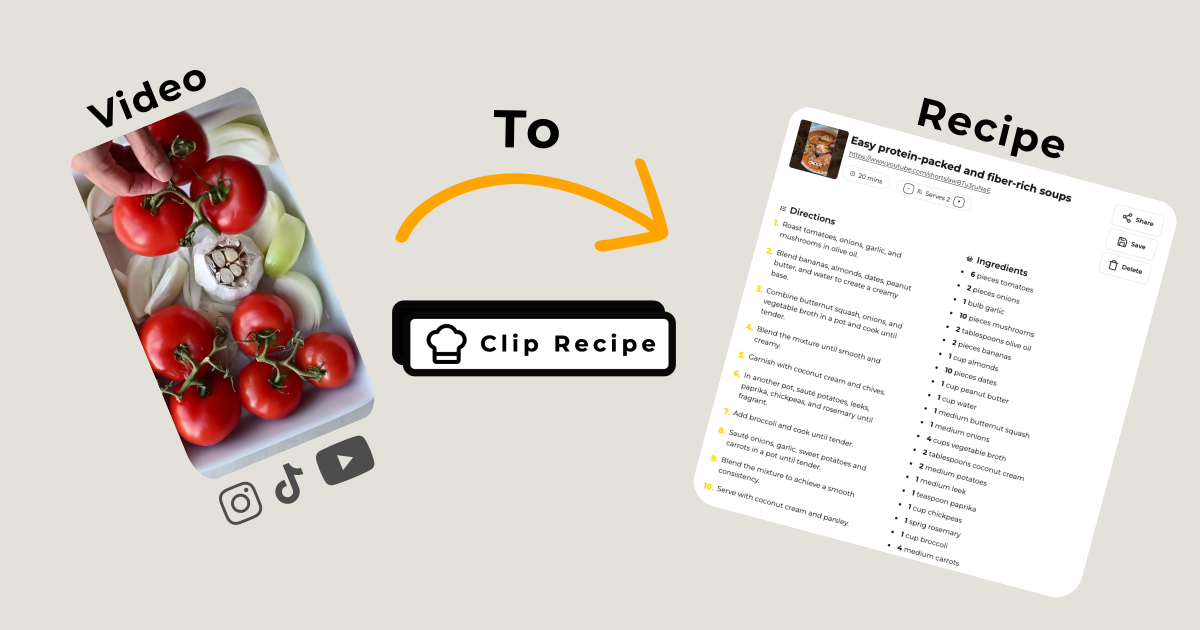
A meal-prep video can contain several useful ideas in a few minutes. The trouble comes later: the ingredients for Tuesday’s lunch are halfway through the clip, and the snack you wanted is near the end.
With multi-recipe extraction, Clip Recipe saves distinct dishes from the same video as separate recipes. Here is a simple way to turn that saved link into food you actually plan to cook.
1. Choose a clip that teaches the dishes
Start with a public video of one hour or less. Videos longer than five minutes need useful captions, a description or comments because Clip Recipe does not analyze their video or audio. Look for clear ingredient lists, preparation steps or readable text on screen. A montage of finished meals may give you ideas, but it does not necessarily contain enough information to extract usable recipes.
A video teaching three independent lunches is a good candidate. A bowl assembled from rice, vegetables and a sauce is usually one recipe, even if the creator prepares those components separately.
2. Paste the link once
Open Clip Recipe, paste the original video link and start the extraction. There is no need to cut the video into clips or submit a separate request for each dish. The number of dishes does not change the number of extractions used: one video is one extraction.
3. Check each recipe on its own
Use the arrows beside the recipe count inside the card to move between dishes. Read each ingredient list and its steps together. If the creator gave a quantity or timing that did not make it into the result, edit that recipe before cooking.
Missing details should remain missing rather than be treated as facts. Keep the original video handy for anything unclear, and use the creator’s own guidance for storage and reheating.
4. Give the dishes useful labels
Add personal tags such as “weekday lunch,” “freezer” or “cook again.” Each dish has its own tags and rating, so you can love the lunch without having to rate the whole video. In the collection grid, dishes from the same video are grouped into a deck. Open it to browse each recipe.
5. Adjust and take the recipe into the kitchen
When the recipe has a serving count, use the serving controls to adjust ingredient quantities. Review the cooking method separately: doubling the ingredients does not automatically double cooking time.
Export the individual recipe in the format you use, or share that dish with someone cooking alongside you. Each recipe keeps its own ingredients and directions, so nobody needs to sort through the rest of the video to find their part.
For platform-specific starting points, see YouTube to recipe, Instagram to recipe and TikTok to recipe. Plan features are listed on the pricing page.