How to translate a saved recipe
Choose a language for your saved recipe, switch back to the original, and edit the translated version.
Francisco MacedoUpdated
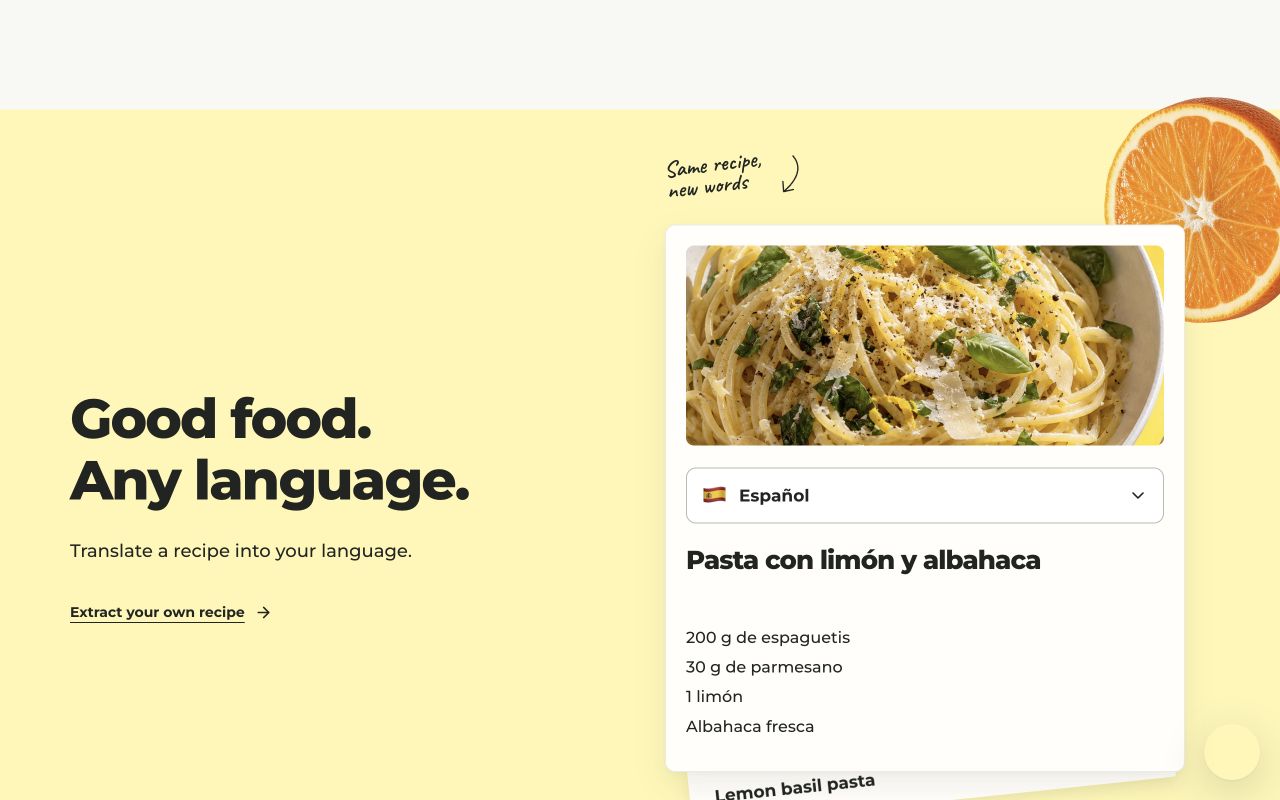
Clip Recipe can translate a saved recipe into 29 supported languages. The translation includes the title, ingredients, directions and any other recipe details available in the original.
Choose a language
- Open a saved recipe from My recipes.
- Open the recipe’s language control and choose the language you want.
- Start the translation if that version is not available yet.
- Read the translated recipe, or use the same control to switch back to the original.
The original recipe is kept separately. You can edit a translated version if you prefer a different ingredient name or need to correct a phrase.
Translation and measurements are separate
Translating changes the language. Use the measurement controls to change between US and metric units, and the serving controls to scale quantities. Check ingredient names that vary by country, especially when buying substitutes.
Supported languages and access
Options include English, Spanish, French, German, Italian, European and Brazilian Portuguese, Japanese, Korean, Arabic and more. The recipe’s language menu shows the full list.
Translation is included in the extraction plans. See current plans and trial terms. To try the controls before extracting, use the translation demo.